
How to take the perfect photo of your pet – and share it with everyone on Facebook


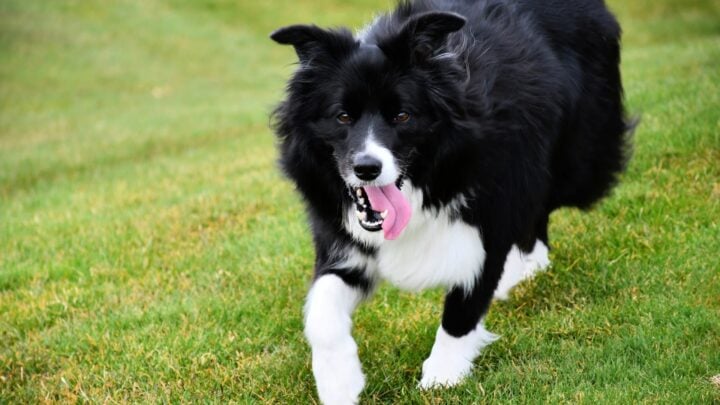
Your dog won’t sit still. Your cat refuses to look at the camera. And somehow the 47th photo you take is still the worst one. Here’s how to get the shot you really want using the phone in your pocket.
There are two types of pet owners.
Those who have hundreds of photos of their dog or cat on their phone.
And liars.
Our pets have a remarkable ability to turn even the simplest photograph into a blurry tail, a pair of ears disappearing around a corner or – my personal favourite – a perfectly framed picture of the spot where they were sitting three seconds earlier.
And yet, every now and then, you get the photo.
The one where your dog is looking straight at you with those big brown eyes.
The one where your cat is curled up in a shaft of afternoon sunshine.
The one where they are doing something so unmistakably them that you immediately want to send it to the kids, the grandkids and everyone you know on Facebook.
The good news is that you don’t need an expensive camera to take great pet photos.
Your mobile phone is more than capable.
The trick is knowing how to use it – and, perhaps more importantly, knowing when to stop trying to make your pet behave like a professional model.
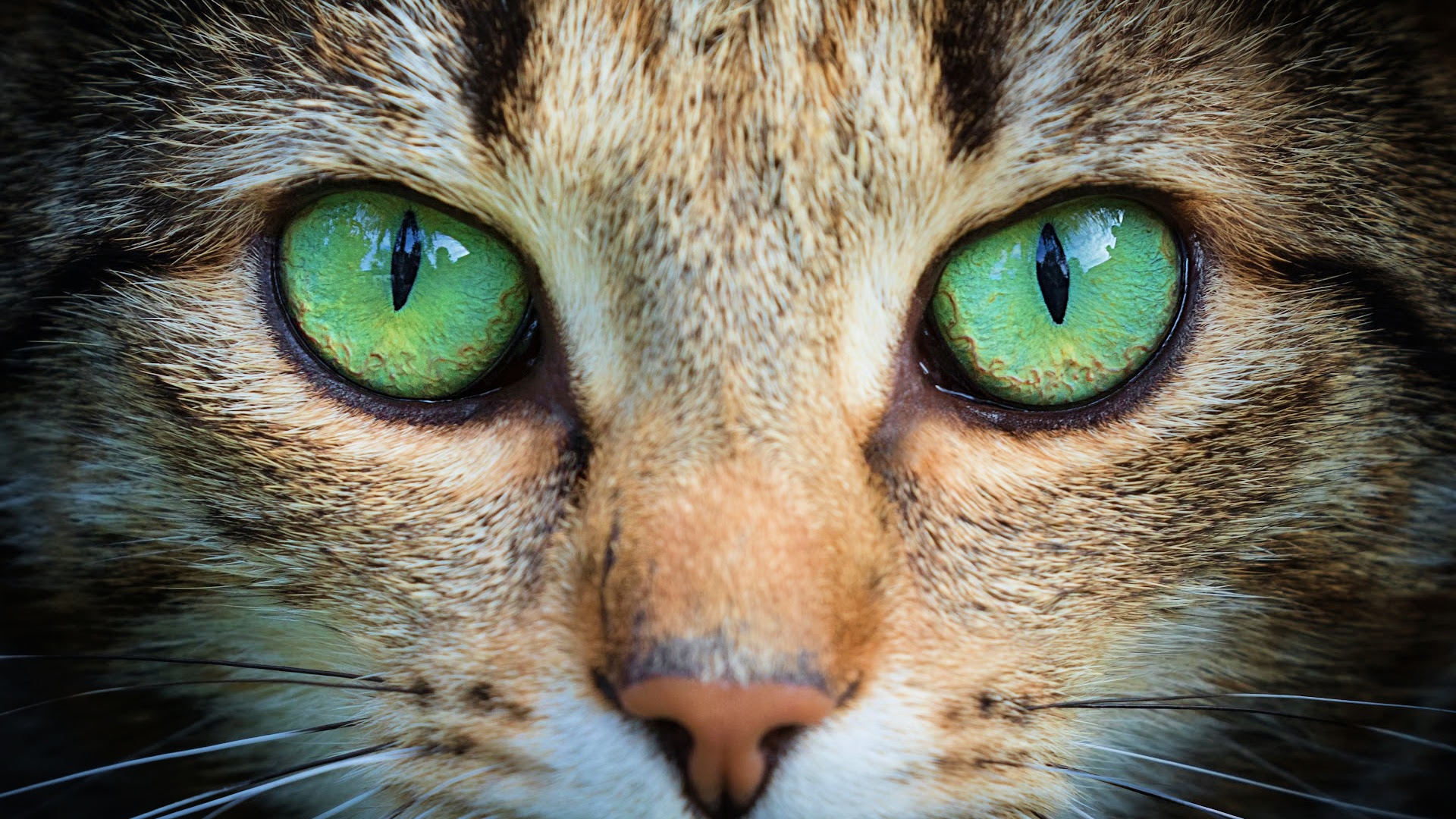
First rule: get down to their level
One of the easiest ways to make a pet photograph look instantly better is to stop taking it from your normal standing position.
Get down.
Sit on the floor. Kneel if your knees still allow it. Or simply sit on a chair and bring the phone down closer to your pet’s eye level.
Photographing a dog or cat from their perspective makes the image feel much more intimate and puts the viewer into their world. Professional pet photographers recommend shooting at or just below the animal’s eye level.
And if getting down on the floor is no longer quite the carefree activity it once was, there’s another trick.
Turn your phone upside down.
It puts the camera lens closer to the ground without requiring you to get quite so close to it yourself.
Your pet may still wonder what you’re doing.
That’s their problem.
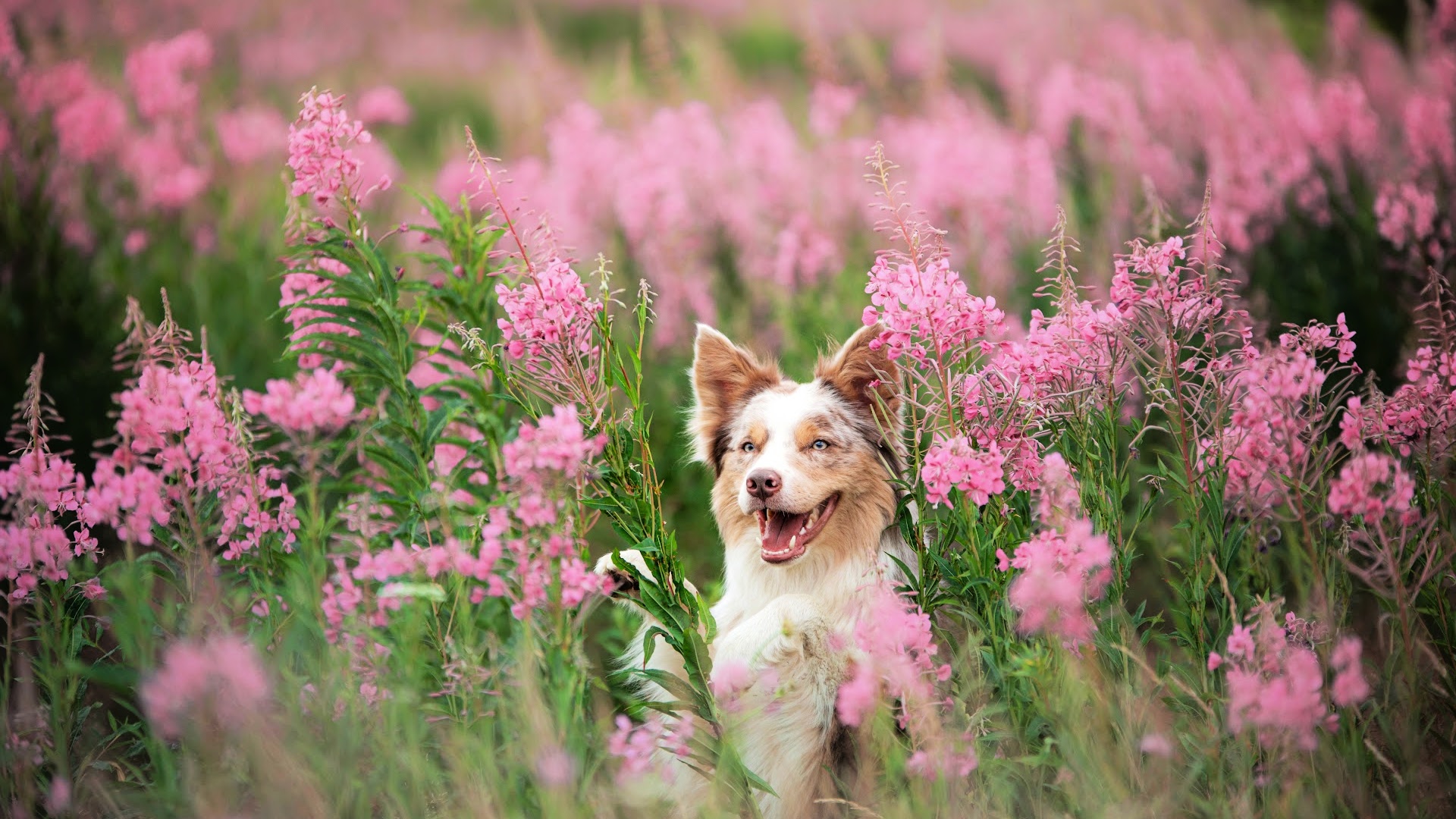
Forget the flash – find some natural light
Good light can transform a photograph.
If you’re outside, try taking your photos early in the morning or later in the afternoon when the light is softer. Bright midday sunshine can make your pet squint and create harsh shadows.
On a very sunny day, look for some shade.
Inside, a window can provide beautiful, soft light. Position your pet near the window so the light falls gently across their face rather than having strong sunlight streaming directly at them.
And if you’re photographing an older dog or cat who isn’t particularly keen on posing, soft natural light can make the picture feel warm and relaxed.
Which brings us to another important point …
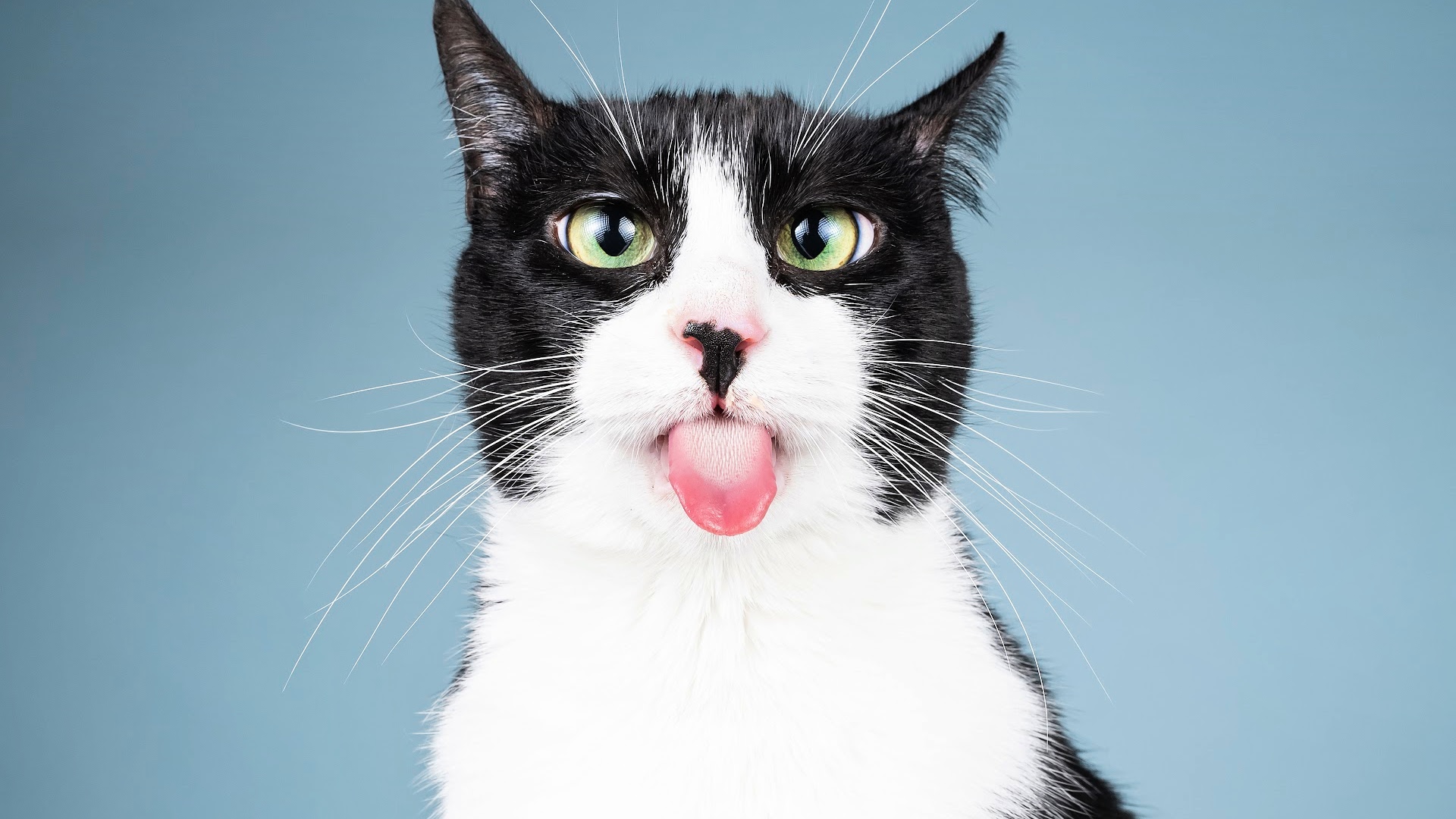
Don’t make your pet pose
The best photographs often aren’t photographs where the pet is sitting perfectly still and looking directly into the lens.
They’re the moments when they are simply being themselves.
Your dog asleep on its favourite chair.
Your cat watching birds through the window.
Those muddy paws after a walk.
A head resting on your knee.
The ridiculous position they have somehow managed to squeeze themselves into on the sofa.
A professional pet photographer suggests thinking about what your photograph says about your pet, rather than simply trying to create a formal portrait.
And I think that’s particularly important as our pets get older.
You aren’t simply taking a picture of a dog.
You’re recording a little piece of your life together.
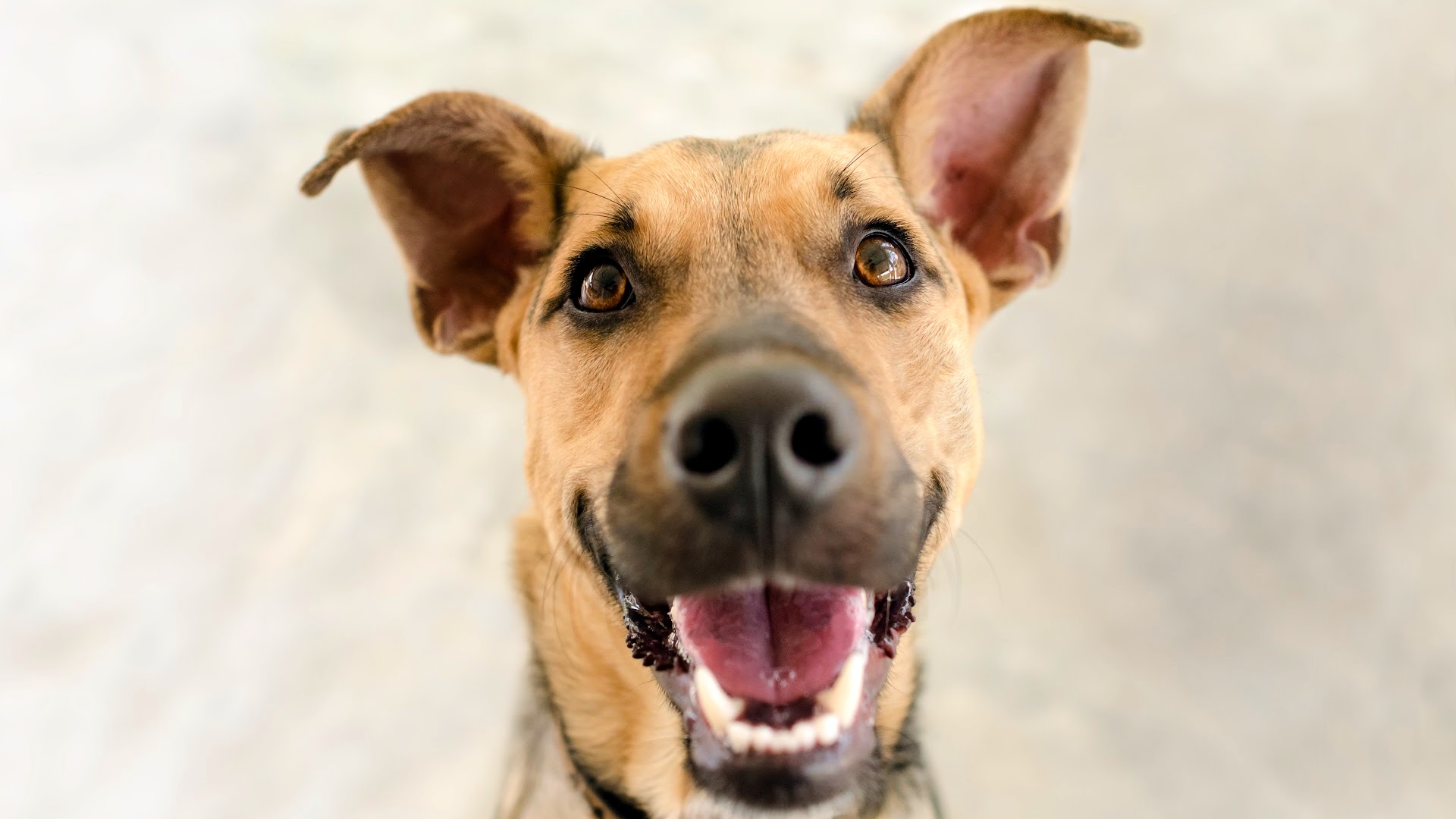
Get their attention – but don’t yell their name 17 times
You know the routine.
“Bella!”
Nothing.
“Bella, look at me.”
Bella looks away.
“Bella!”
Now Bella has left the room.
Rather than repeatedly calling your pet’s name, try an unexpected sound.
A little whistle, a click of the tongue or a strange noise can make a dog prick up its ears and look towards the camera.
Cats are often more interested in movement, so holding a favourite toy just above the phone can work better.
You may only get that perfect head tilt for a second.
That’s why you need to be ready.
Use your phone’s burst mode for action shots
Trying to photograph a dog running towards you with one press of the shutter button is an excellent way to capture 27 photographs of a dog-shaped blur.
Instead, use Burst mode if your phone offers it.
On an iPhone, Burst captures a rapid sequence of photographs so you can choose the best one afterwards. Apple recommends it specifically for subjects that don’t stay still.
This is brilliant for:
Dogs running
Cats jumping
Dogs catching a ball
Pets shaking themselves dry
Two dogs playing
Your pet chasing a favourite toy
You don’t have to get every photograph right.
You just need one.
Focus on the eyes
When you’re taking a portrait, the eyes are usually the most important part of the picture.
On an iPhone, you can tap the screen where you want the focus to be and adjust the exposure if necessary.
So before you press the shutter, tap your pet’s face – ideally around the eyes.
And don’t be afraid to get closer.
A close-up of a dog’s eyes, nose and whiskers can be far more engaging than a photograph with half the backyard in it.
Clean up the background
This is something we often forget.
Your pet may look magnificent, but behind them is the ironing board, a wheelie bin, a pile of laundry and yesterday’s newspaper.
Take a second before pressing the button.
Look behind your pet.
Could you move a chair?
Shift yourself slightly to the left?
Move the dog a metre?
Or simply crop the picture afterwards?
Your pet should be the star.
Not the washing basket.
If your phone has Portrait mode, try it for close-up photographs. It can soften the background and make your pet stand out.
Try a different angle
Don’t take every photograph from directly in front.
Move around.
Try a photograph from above when your dog is stretched out on the floor.
Photograph your cat from the side as it sits in the window.
Get down low when your dog is standing in the garden.
Or try photographing just their paws, ears or tail.
Sometimes the photograph that tells the biggest story isn’t the obvious one.
Don’t forget to get in the photo
There’s a good chance your phone contains thousands of pictures of your pet and almost none of you together.
That’s a shame.
Because one day those photographs of the two of you may be the ones you treasure most.
Set your phone up somewhere safe, use the timer and sit beside your dog or cat.
On an iPhone, the timer can be set for three, five or 10 seconds, giving you time to get into position.
You don’t even have to show your face.
A photograph of your hand resting on your dog’s head, your feet beside your pet on a beach or your arm around them on the sofa can tell the story just as well.
And don’t be afraid to take 50 photographs
Here’s the great thing about digital photography.
It costs nothing to take another one.
Take 10.
Take 20.
Take 50.
Your pet isn’t going to complain about the cost of film.
And somewhere in that collection might be the perfect shot.
Once you’ve finished, go back through your photos and be ruthless.
Delete the blurry ones.
Delete the ones where your pet is looking away.
Delete the 14 almost identical photographs.
Keep the one that makes you smile.
A quick edit can make a big difference
You don’t need to become a Photoshop expert.
Your phone’s built-in editing tools are usually enough.
Try cropping out distracting parts of the picture.
Straighten it if necessary.
Adjust the brightness slightly.
Increase the contrast if the image looks flat.
And resist the temptation to turn your beloved Labrador into a fluorescent orange dog using every filter available.
Natural is usually better.
How to share your masterpiece on Facebook
Now you’ve got the photograph.
What next?
If you want to share it with family and friends on Facebook, you can do it directly from your phone.
Open Facebook and, at the top of your Feed, tap Photo.
Choose the picture or pictures from your phone’s camera roll, then tap Next.
You can add more photos, create an album, tag people, edit the image and add a caption before tapping Post.
And there’s one important step worth checking before you hit that button:
Who do you want to see it?
Facebook allows you to choose your audience when sharing a photo.
So if the picture is simply for friends and family, check that you’ve selected the appropriate audience rather than automatically sharing it publicly.
You might write something simple:
“This is Archie after his morning walk. He was exhausted. I wasn’t.”
Or:
“Molly has discovered the new bed. Apparently it’s hers now.”
Or perhaps nothing at all.
Sometimes the photograph does the talking.
Facebook also allows you to share multiple photographs in one post, so you could create a little album of your weekend walk or your pet’s latest adventures.
A word about photo quality
If you’re uploading photographs to Facebook, it is worth doing it when you have a good Wi-Fi connection or strong mobile signal.
Facebook says photos are optimised for visual quality when uploaded, including HD quality, although the final result can depend on your device and network conditions.
So don’t panic if the Facebook version doesn’t look exactly like the original sitting in your phone.
The perfect pet photo isn’t necessarily perfect
Perhaps that’s the biggest lesson.
The photograph you treasure most in 10 years’ time probably won’t be the technically perfect one. It might be the slightly blurry picture of your old dog asleep beside you. The cat sitting on your lap. The photograph of your pet waiting at the front door. The one taken on a rainy afternoon when neither of you had anywhere else to be.
Because when we photograph our pets, we’re really photographing our lives with them.
So get down to their level. Find some good light. Keep your phone handy.Take plenty of shots.
And when you finally get the one?
Put it on Facebook.
Your friends have seen enough pictures of your grandchildren anyway.





 Proudly Australian owned and operated
Comments 0
Join the conversation. Comments are reviewed before they appear.
Be the first to comment.
Join the conversation
Tell us who you are to post a comment. We'll remember you next time.